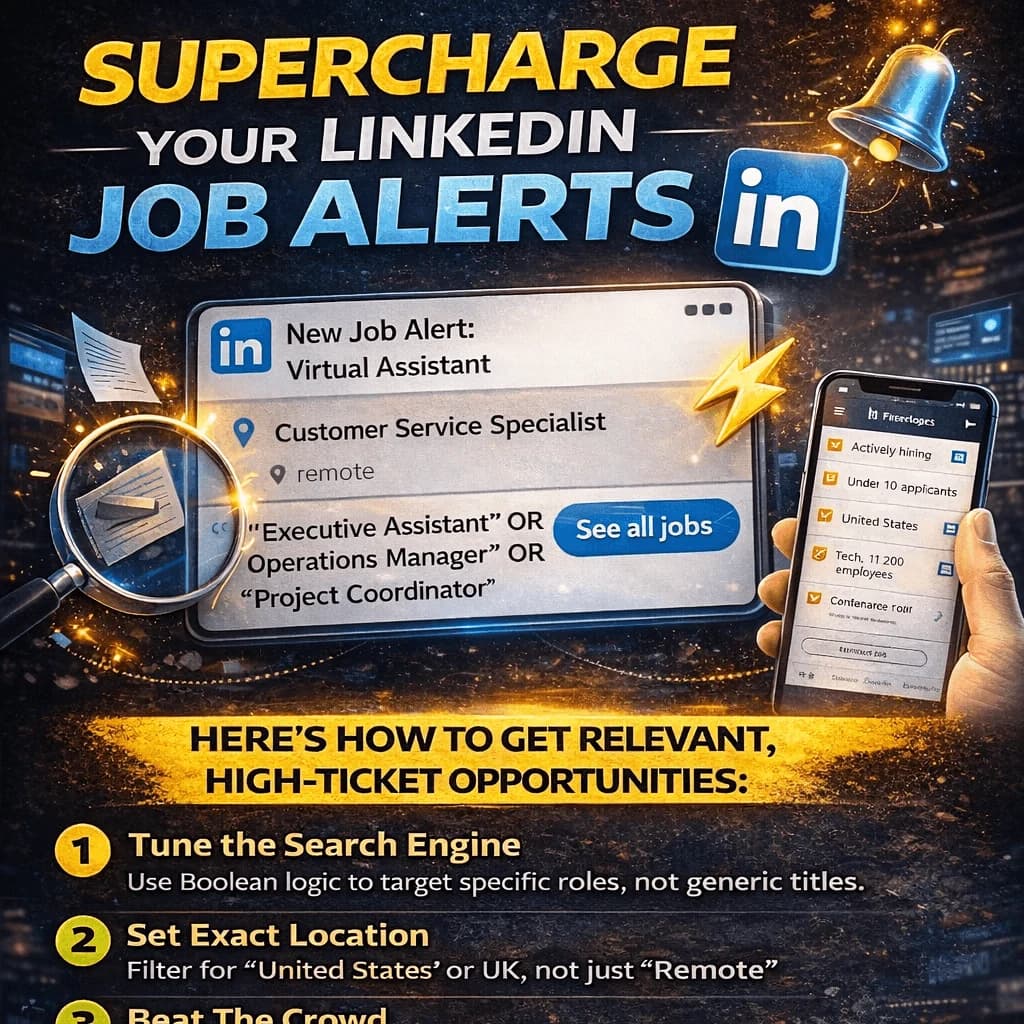
How to set up LinkedIn job alerts that actually send relevant opportunities!
Most people set a LinkedIn alert for "Virtual Assistant" and wonder why their inbox is full of customer service roles and hybrid jobs in cities they don’t live in.
LinkedIn’s AI is only as smart as the filters you give it. If your alerts are generic, your opportunities will be too.
Here is how to tune the engine so you only see high-ticket, relevant roles.
1. Stop the Generic Job Title
If you search for "Virtual Assistant," you’re competing with the world.
You need to use Boolean Search operators to force LinkedIn to be specific.
In the search bar, use quotes and "OR" logic.
"Executive Assistant" OR "Operations Manager" OR "Project Coordinator"
This tells LinkedIn to only show you roles that value high-level organization, not just "assistance."
2. Remove the Hybrid Noise. The "Remote" filter is a start, but LinkedIn often sneaks in "Remote in Country jobs that require you to be a resident.
Go to the On-site/Remote filter and check Remote.
In the "Location" field, don't just put "Worldwide." Set a specific alert for "United States" or "United Kingdom" while keeping the Remote filter on.
This ensures you see the high-paying foreign roles, even if you are sitting in Lagos.
3. Under 10 Applicants Hack.
By the time a job has 200 applicants, your resume is buried.
You want to be the first in the door. Create an alert, but filter by "Date Posted: Past 24 hours."
Look for the "Under 10 applicants" filter under the "All Filters" tab. Setting an alert with this active means you only get notified when a fresh opportunity is still "cold" and your CV will actually be seen by a human.
4. Filter by "Industry" and "Company Size". If you want to work for a fast-paced startup (where the money is), you don't want alerts from 50,000-employee legacy corporations.
Go to "All Filters" and scroll to Industry. Select Technology, Information and Internet, or Software Development.
Select 11-50 or 51-200. These companies are "lean" - they need specialized EAs/OBMs who can wear many hats, and they pay a premium for it..
5. Automate the "Notification".
Don't get "Email Summaries." They are too slow.
Set your Alert to "Instant - App Notification."
When that notification hits your phone, you should have a "Base CV" ready to go. Being the first 5 people to apply to a relevant role increases your interview chances by over 60%.
Follow for more insights.
Follow for more insights.