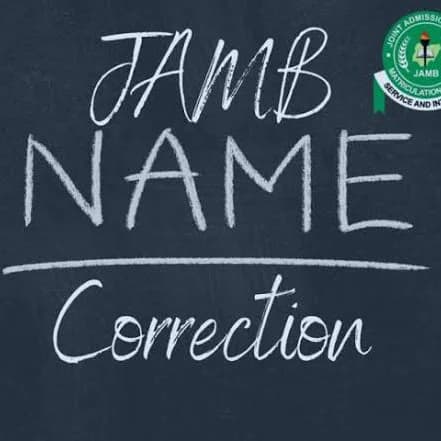
Noticed a spelling mistake in your name on your JAMB profile or result? Don’t panic. You can apply to have your details corrected.
Here’s what to do:
1. Check your NIN details first
Make sure the name on your NIN is correct. Your JAMB information needs to align with your NIN details.
NIMC: https://www.nimc.gov.ng/
2. Start the JAMB correction process
Use the official JAMB process for correction of data and select the option for name correction.
JAMB e-Facility: https://efacility.jamb.gov.ng/login
3. Provide the required details
You’ll need to provide your JAMB registration information and the correct name as it appears on your NIN.
4. Complete biometric verification
Depending on the correction process, you may be required to complete biometric verification at an approved centre.
5. Pay the required fee
There is a fee for correction of data. Confirm the current amount and make payment through the approved JAMB channel.
JAMB Name Correction: https://portal.jamb.gov.ng/changeName.htm
6. Wait for approval
Your request has to be reviewed and approved before the correction reflects on your JAMB record.
Important
Name correction is generally meant for correcting errors such as spelling mistakes. It is not the same thing as changing your identity or completely replacing your name.
Before submitting your request, make sure the correct name on your NIN is exactly how you want it to appear on your JAMB record.
If you’re currently trying to correct your JAMB name, save this post so you don’t miss any of the steps.