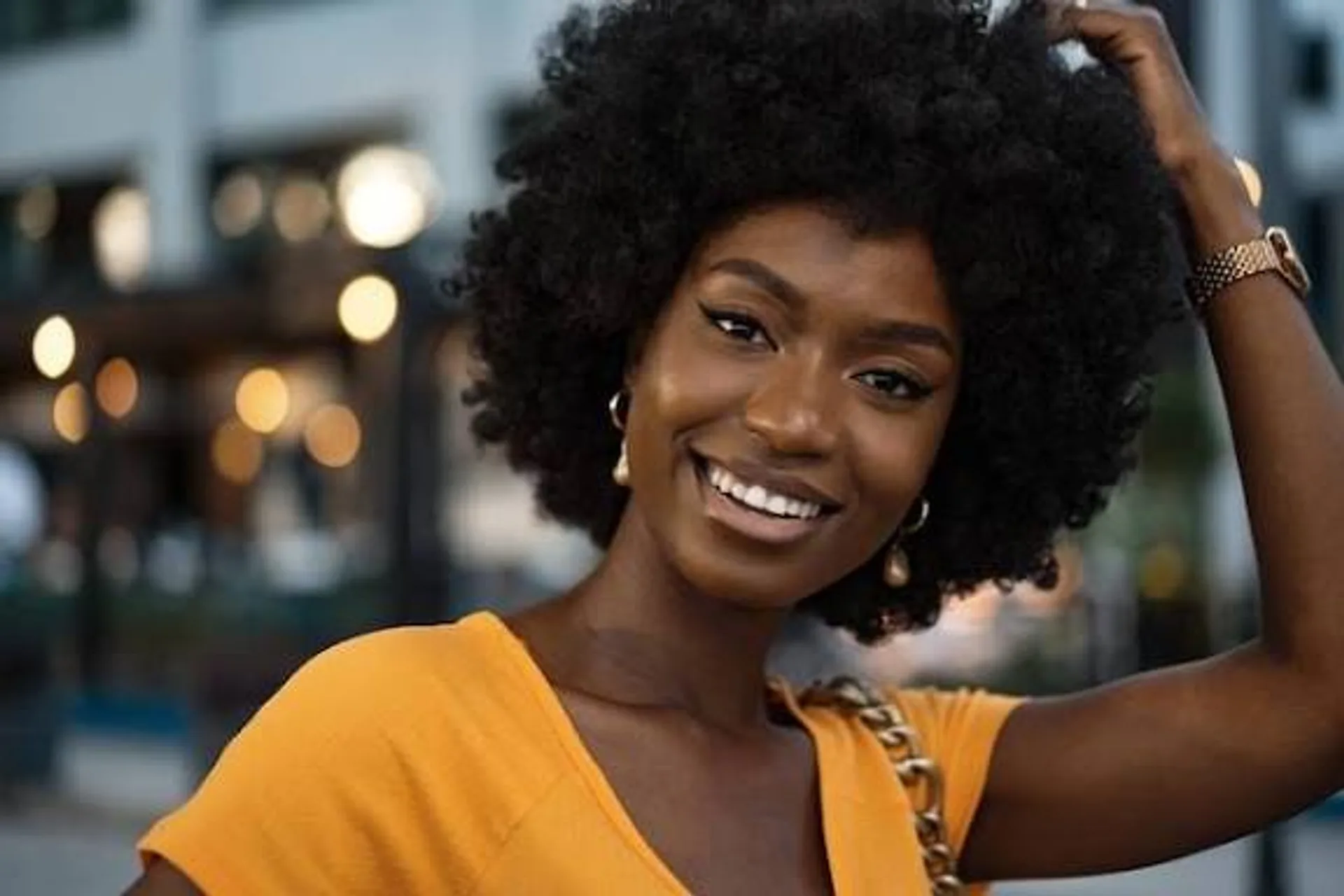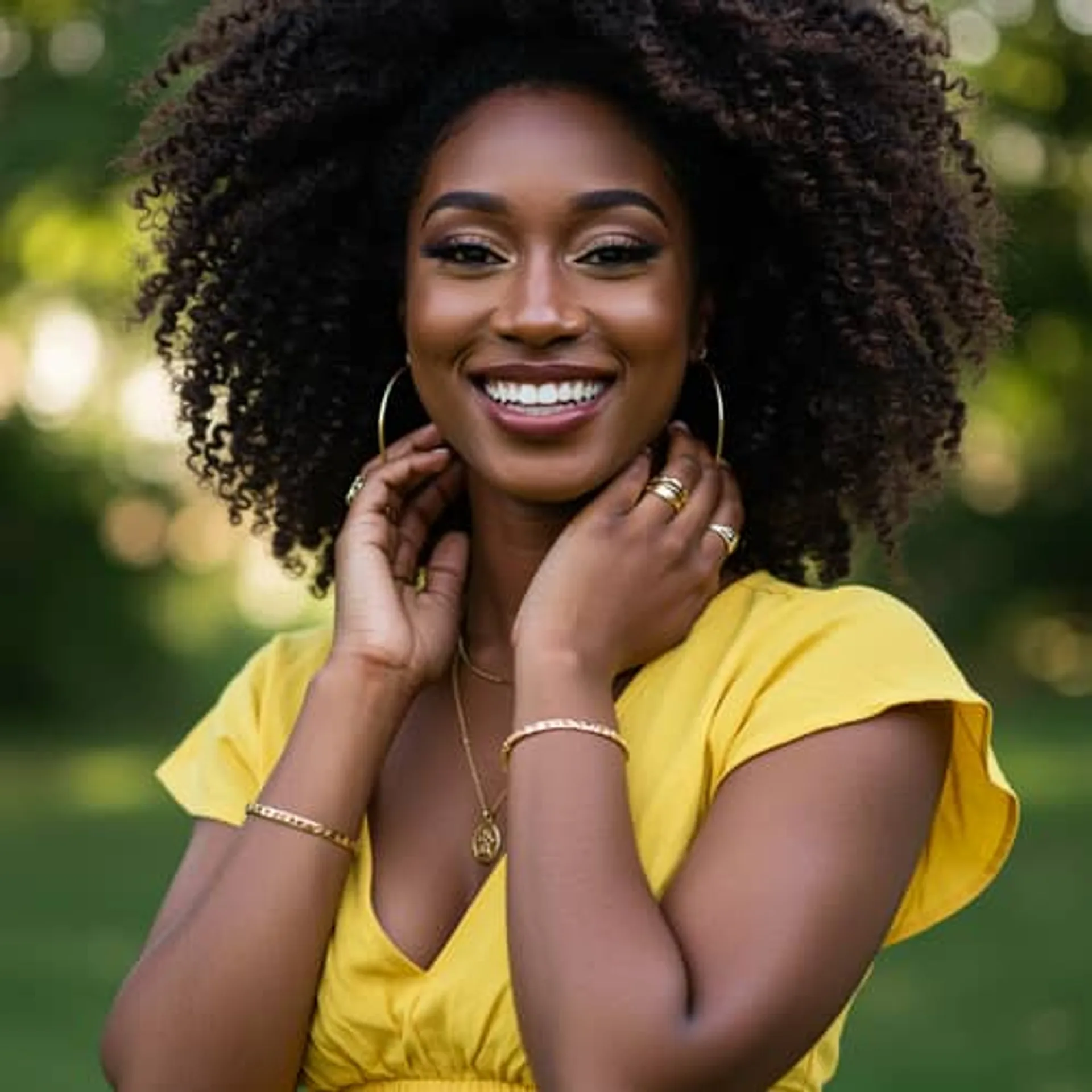
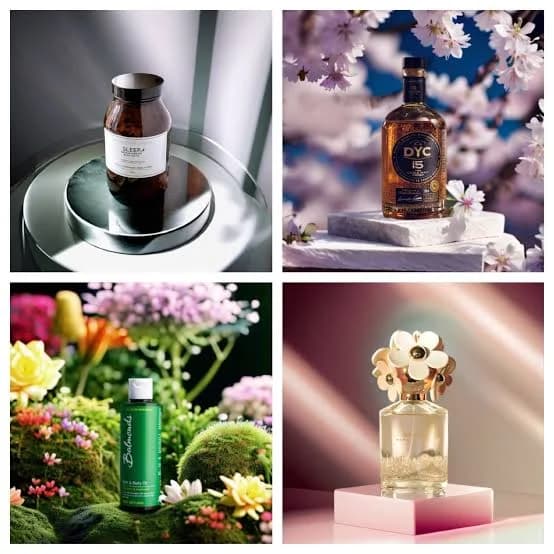
I was about to pay ₦50,000 for product photos before I found out I could make them with my phone and an AI tool.
If you sell anything online, you’ve probably faced this problem. You have a decent product, customers making inquiries and social media accounts that are up and running
But your product photos look like they were taken during a power outage.
A few months ago, I wanted to create better photos for my small business.
I checked the prices for a photographer.
The quotes weren’t outrageous, but they weren’t exactly friendly either.
Between photography, editing, backgrounds, and revisions, the cost started climbing fast.
So I decided to experiment with my phone and AI. The results were surprisingly good.
Definitely good enough for Instagram, WhatsApp Business, Facebook Marketplace, Jiji, and many ecommerce stores.
Here’s exactly how I did it:
Step 1: Take the Best Photo You Can
This is the part most people try to skip.
AI can improve a photo.
It cannot perform miracles.
I usually:
* Place the product near a window
* Use natural daylight
* Clean the camera lens
* Use a plain background
* Take photos from multiple angles
A simple white wall, table, or cardboard sheet works perfectly.
The better the original image, the better the AI result.
Step 2: Remove the Background
One of the easiest ways to make a product look professional is to remove distracting backgrounds.
I use: https://www.remove.bg/
Upload the photo and it automatically removes the background within seconds.
Step 3: Create Professional AI Backgrounds
This is where things get interesting.
Instead of placing products on your dining table or bed, AI can create realistic product scenes.
Some useful tools include:
You can upload your product and generate scenes such as:
* Modern office desks
* Luxury shelves
* Kitchen countertops
* Beauty studio setups
* Fashion displays
* Outdoor environments
A simple perfume bottle can suddenly look like it belongs in a luxury magazine.
Step 4: Generate Lifestyle Product Images
This was the feature that surprised me most.
Tools like:
can create lifestyle scenes showing products in realistic environments.
For example:
* A handbag on a café table
* A wristwatch on a person’s wrist
* A skincare product in a bathroom setting
* A phone accessory on a work desk
This can help customers imagine using the product.
And people often buy what they can visualize.
Step 5: Improve Image Quality
Some photos look slightly blurry or low quality.
Before posting, I often use:
These tools sharpen details and increase image quality without needing editing skills.
What AI Still Can’t Do Well
After testing dozens of images, I noticed a few limitations.
Sometimes:
* Product labels become distorted
* Text appears incorrect
* Colors change slightly
* Small details get altered
For this reason, I always compare the final image with the actual product before posting.
Most small business owners aren’t trying to compete with international advertising agencies.They simply need photos that look trustworthy.
Photos that make customers think:“This business looks serious.”
And for that purpose, your phone plus a few AI tools can go surprisingly far.