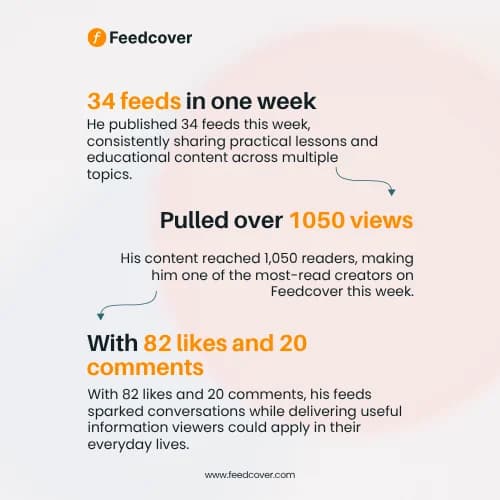
Creators, you no longer have to guess if your content is actually doing numbers.
You can now see exactly how your content is performing on Feedcover.
We’ve rolled out Content Analytics, a new feature that lets you track your content performance in real time.
How to check your analytics
🔸Go to your Profile
🔸Tap Views.
You’ll get a detailed performance report across:
🔸1 day
🔸7 days
🔸1 month
🔸3 months
🔸1 year
You can also track:
🔸Views
How many times your content was viewed.
🔸Shares
How many times your content was shared.
🔸Share Visits
The number of visits your content received through shares.
🔸Visit Rate
How effectively your shares are bringing people back to your content.
You can also see your performance over time with a visual breakdown of views and share visits, making it easier to spot trends.
You shouldn’t have to create content blindly.
Your analytics can help you answer questions like:
🔸Which posts are getting the most attention?
🔸Are people sharing my content?
🔸Are my shares bringing new visits?
🔸What type of content should I create more of?
The goal isn’t just to see numbers. It’s to use those numbers to become a better creator.
So before you post your next feed, go check your analytics.
Your next viral post might already be hiding in your data 📊