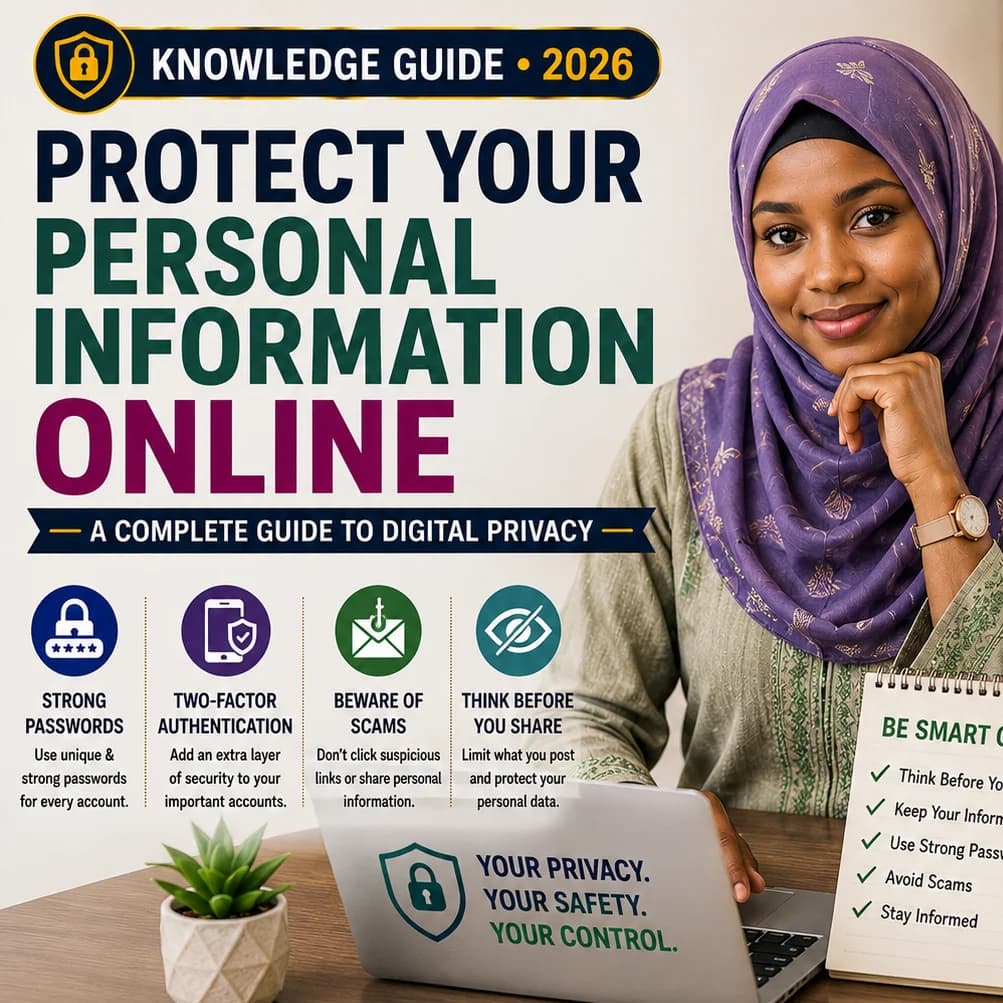
Discover straightforward, effective strategies for protecting your personal data online, recognizing scams, securing your accounts, identifying suspicious messages, and enhancing your digital privacy in 2026.
Key Topics Covered:
- How to keep your personal information secure online
- Ways to strengthen digital privacy
- Tips for staying safe on the internet
- Best practices for protecting online accounts
- How to avoid falling for online scams
- Internet safety advice for beginners
- Creating more secure passwords
- Comprehensive digital privacy tips for 2026
Introduction
The internet has transformed how we communicate, learn, shop, bank, and run businesses, making daily life more convenient. But as we share more online, safeguarding our digital privacy becomes increasingly essential.
Details like your name, phone number, email, photos, passwords, location, and other personal data can be exploited by cybercriminals, scammers, advertisers, or malicious actors.
The good news? You don’t need advanced tech skills to stay safer online. Adopting a few mindful habits can go a long way in protecting your digital presence.
What Is Digital Privacy?
Digital privacy refers to your ability to control how your personal information is gathered, used, stored, and shared across digital platforms.
Every time you sign up for a service, install an app, browse a website, or post on social media, you may be revealing details about yourself—sometimes without realizing it.
Being aware of what you’re sharing is the first step toward keeping it secure.
Why Online Privacy Is Important
Personal data can be misused for identity theft, account breaches, fraud, impersonation, or targeted scams.
Even seemingly harmless details can become risky when combined with other information.
For instance, posting your full name, job, birthday, phone number, and location publicly could give someone enough to mimic your identity or craft convincing phishing attempts.
10 Practical Steps to Enhance Your Online Security
1. Use Strong, Unique Passwords for Each Account
Reusing passwords increases your risk—if one account is breached, others may follow. Choose complex passwords and consider using a trusted password manager to keep track of them.
2. Enable Two-Factor Authentication (2FA)
Adding a second verification step—like a code from an app or text message—makes it much harder for unauthorized users to access your accounts, even if they have your password. Use this feature for email, banking, and social media.
3. Be Wary of Links in Messages and Emails
Avoid clicking on links in unsolicited or unexpected messages. Scammers often use urgent or alarming language to trick you. Always verify the sender and whether the request makes sense before taking action.
4. Limit What You Share Publicly
Think twice before posting sensitive details like your address, phone number, travel plans, or ID documents. Once something is online, it can spread beyond your control.
5. Keep Devices and Software Updated
Updates often include critical security patches. Regularly update your operating system, apps, browser, and devices to reduce vulnerabilities.
6. Review App Permissions Carefully
Many apps request access to your contacts, location, camera, or files. Ask yourself whether the app truly needs that access—and disable permissions that aren’t necessary.
7. Exercise Caution on Public Wi-Fi
Open networks, like those in cafes or airports, can be risky. Avoid logging into sensitive accounts or entering personal information unless you’re certain the connection is secure.
8. Stay Alert to Scams
Be skeptical of messages promising quick money, surprise prizes, or urgent rewards. Legitimate organizations won’t ask for your password or verification codes via email or text.
9. Monitor Your Accounts Regularly
Check your important accounts periodically for unfamiliar logins, devices, or transactions. Spotting issues early helps you respond quickly.
10. Pause Before You Post
Before sharing anything online, ask:
Could this be used against me?
Would I be okay if this went viral?
Am I revealing more than I need to?
A moment of reflection can prevent future harm.
Common Mistakes to Avoid
- Using the same password across multiple sites
- Giving verification codes to others
- Clicking on unverified links
- Installing apps from unknown sources
- Staying logged in on shared or public devices
- Posting private documents online
- Trusting messages just because they look official
- Ignoring software update alerts
Simple Daily Habits for Better Privacy
You don’t need to be a tech expert. Start with these manageable steps:
- Inspect links before clicking
- Use different passwords for key accounts
- Turn on two-factor authentication
- Install updates promptly
- Reassess app permissions regularly
- Think critically before sharing personal details
- Never share your password or security codes
Frequently Asked Questions
Can I be completely private online?
Total privacy is hard to achieve today, but you can greatly reduce risks by being selective about what you share and following sound security practices.
What should I do about a suspicious message?
Don’t act immediately. Avoid clicking links or providing information. Confirm the message’s legitimacy through a trusted source, like the organization’s official website.
Should I share my verification code with anyone?
No. Treat verification codes like passwords—they’re meant for your eyes only.
Is social media unsafe?
Social media isn’t inherently dangerous, but oversharing can expose personal details. Adjust privacy settings and consider your audience before posting.
Key Takeaways
• Use unique, strong passwords and protect them carefully
• Activate two-factor authentication
• Approach unexpected links and messages with caution
• Minimize public sharing of personal information
• Keep all devices and apps up to date
• Regularly review app permissions
• Stay alert to scams and unusual requests
• Reflect before posting anything online
An Ethical Consideration
Protecting digital privacy also means respecting others’ information. Avoid sharing someone else’s photos, messages, contact details, or private content without their consent. Responsible digital behavior includes respect, honesty, and awareness of how your actions affect others.
Conclusion
The internet offers immense benefits, but convenience shouldn’t come at the cost of security. You don’t need technical expertise to improve your digital safety. Simple actions—like using strong passwords, enabling 2FA, updating devices, and thinking before you share—can make a real difference.
Start small: pick one habit to improve today. Be mindful of what you click, what you share, and how you manage your online presence as technology evolves.
Call to Action
Take a few minutes now to review one of your important online accounts. Update the password, turn on two-factor authentication, or check its security settings.
Then, pass this guide along to a friend or family member who might benefit from stronger online protection.