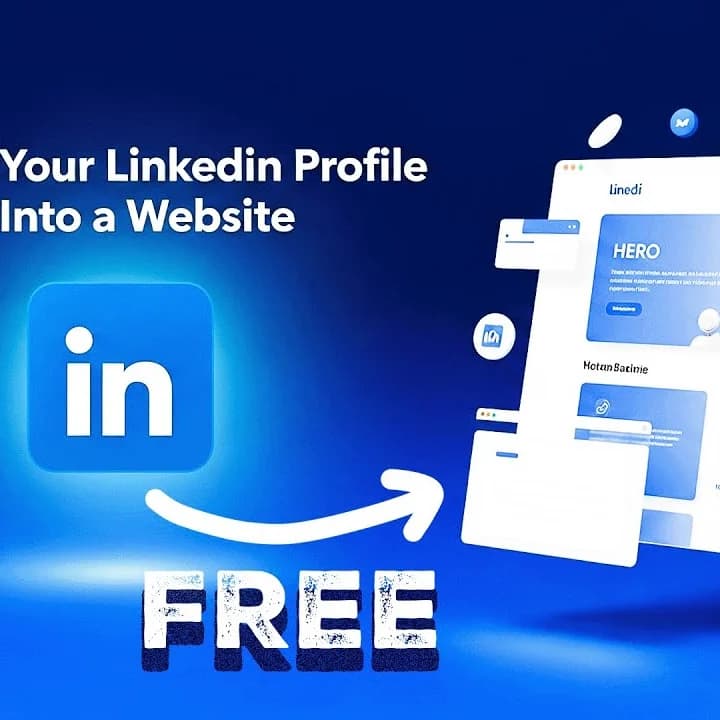
Your LinkedIn profile is a powerful professional tool, but what if you could transform it into a fully functional website? A personal website allows you to showcase your skills, achievements, and experience in a format that anyone can access globally. In this guide, you’ll learn how to convert your LinkedIn profile into a professional website quickly and efficiently—no coding required.
Why You Should Create a Website from LinkedIn
Step 1: Export Your LinkedIn Profile
Step 2: Use Gamma.ai to Generate Your Website
Gamma.ai allows you to build a website directly from your LinkedIn profile:
Step 3: Customize Your Website
Once the AI-generated site is ready, you can personalize it:
Step 4: Publish and Share Your Website
Key Takeaways
Conclusion
Creating a personal website from your LinkedIn profile is an easy way to elevate your digital presence. It allows anyone to explore your professional story, achievements, and skills in a clear, accessible format. By following these steps, you can build a website that showcases your brand and opens doors to new opportunities.
Want a visual walkthrough of the entire process?
Thanks for reading! Subscribe for free to receive new posts and support my work.
Why You Should Create a Website from LinkedIn
- Extend Your Digital Identity: Take your professional presence beyond LinkedIn.
- Global Accessibility: Anyone can visit your website without needing a LinkedIn account.
- Professional Branding: Highlight your skills, experience, and achievements in a fully customizable format.
- Ease of Use: Automate the website creation process using tools that integrate directly with LinkedIn.
Step 1: Export Your LinkedIn Profile
- Log in to your LinkedIn account.
- Go to your profile and locate the Resources section.
- Click Save to PDF to download a copy of your profile.
- Store the PDF in a location you can easily access.
Step 2: Use Gamma.ai to Generate Your Website
Gamma.ai allows you to build a website directly from your LinkedIn profile:
- Sign up or log in at Gamma.ai.
- Click Import File or URL and upload your LinkedIn PDF.
- Select “Web Page” as your format.
- Choose Free Form and select the level of text detail (e.g., extensive).
- Leave image sourcing on AI or customize with your own photos.
- Hit Generate—the AI will create a functional website automatically.
- Name and headline
- Professional summary
- Core competencies
- Current role
- Experience highlights
- Key achievements and impact
Once the AI-generated site is ready, you can personalize it:
- Replace AI-generated images with professional photos.
- Update text sections such as professional summaries and achievements.
- Adjust colors, layout, and themes to match your personal brand.
- Add links to email, LinkedIn, or other professional pages.
Step 4: Publish and Share Your Website
- Click Publish on Gamma.ai.
- Copy the website URL.
- Optionally, shorten it with Rebrandly for an easy-to-remember link.
- Share the link with colleagues, clients, and potential employers.
- You can also generate a QR code for networking events or resumes.
- You can convert your LinkedIn profile into a fully functional personal website in minutes.
- Gamma.ai automates the process, generating web pages from your profile content.
- Customization allows your site to reflect your professional brand.
- Publishing and sharing your site increases your digital visibility.
- A personalized website complements your LinkedIn profile and enhances your career opportunities.
Conclusion
Creating a personal website from your LinkedIn profile is an easy way to elevate your digital presence. It allows anyone to explore your professional story, achievements, and skills in a clear, accessible format. By following these steps, you can build a website that showcases your brand and opens doors to new opportunities.
Want a visual walkthrough of the entire process?
Watch the full video for Step-by-step demonstrations