
Setting up a home Wi-Fi network properly is important for enjoying fast, stable, and secure internet access. Whether you work from home, stream movies, attend online classes, or browse social media, a well-configured Wi-Fi network can improve your online experience and reduce connection problems.
The first step is choosing a good internet provider and a reliable router that matches your internet speed needs. Once you have your router, place it in a central location in your home. Avoid hiding it behind furniture or placing it too close to walls, as this can weaken the signal.
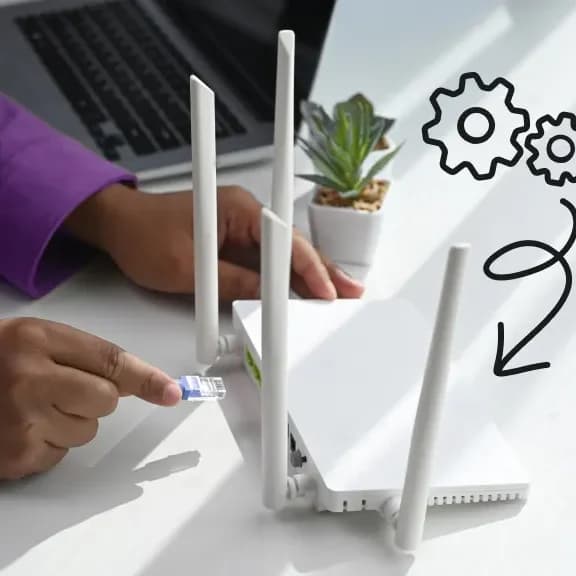
Next, connect the router to your modem using an Ethernet cable and power it on. Most routers come with setup instructions that guide you through the installation process. You can usually complete the setup through a mobile app or a web browser.
After connecting, create a unique Wi-Fi name and a strong password. A strong password helps protect your network from unauthorized users and keeps your internet secure. It is also recommended to use modern security settings, such as WPA2 or WPA3, for better protection.
To improve network performance, avoid overcrowding your Wi-Fi with too many devices connected at once. You can also restart your router occasionally to refresh the connection and maintain stable performance.
If your home is large, consider using Wi-Fi extenders or mesh systems to improve coverage in rooms with weak signals. Keeping your router software updated is another important step, as updates often improve speed, security, and overall performance.