
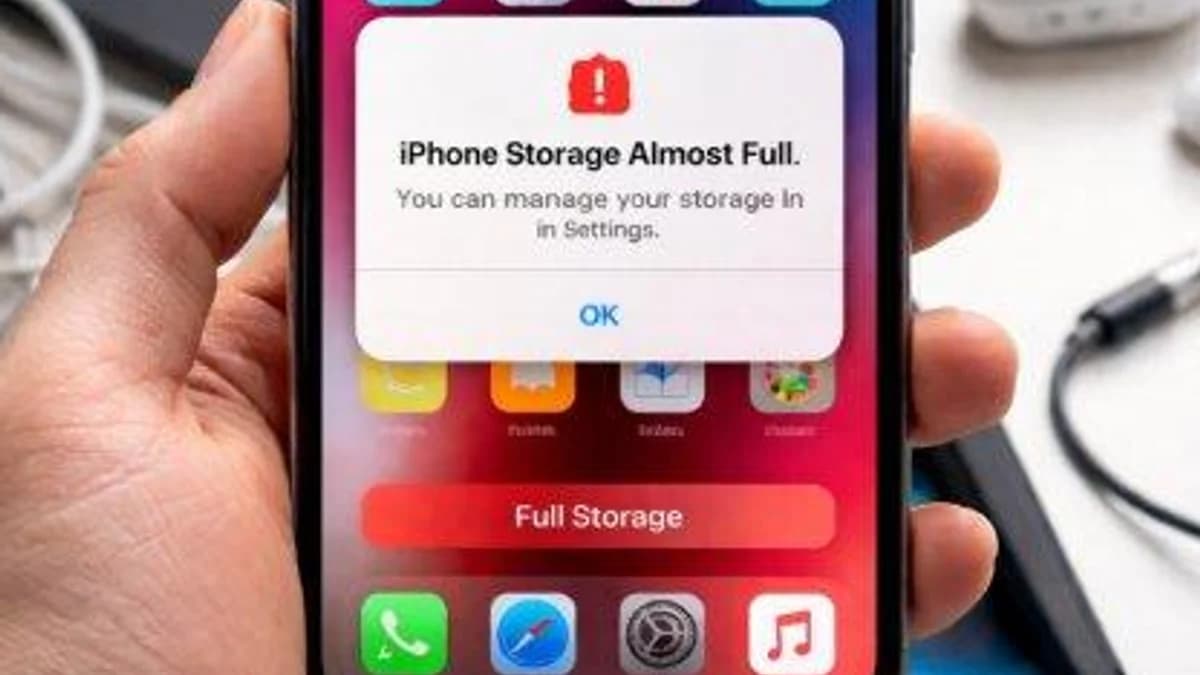
That “Storage Full” notification always seems to appear when you need your phone the most especially when you’re trying to take a picture or download an important file.
Before you start deleting everything, try these:
1. Delete large videos
Open your gallery and check for old videos you no longer need. Videos usually take up much more space than photos.
2. Clear WhatsApp clutter
Go to WhatsApp → Settings → Storage and Data → Manage Storage. Check large files and frequently forwarded files, then delete what you don't need.
3. Remove unused apps
If you haven't opened an app in months, you probably don't need it taking up valuable space.
4. Check your Downloads folder
Old PDFs, documents, videos and other downloaded files can quietly consume several GB.
5. Empty your trash/recycle bin
Deleting photos doesn't always free the space immediately. Check your Gallery/Photos trash and permanently remove unwanted files.
6. Back up important photos
Move important pictures and videos to cloud storage or another device, then remove the copies from your phone.
7. Clear unnecessary app cache
Some apps accumulate a surprising amount of temporary data. Clear cache where appropriate but avoid clearing app data unless you know what it will do.
Sometimes you don't need a new phone. You just need to clean the one you already have.