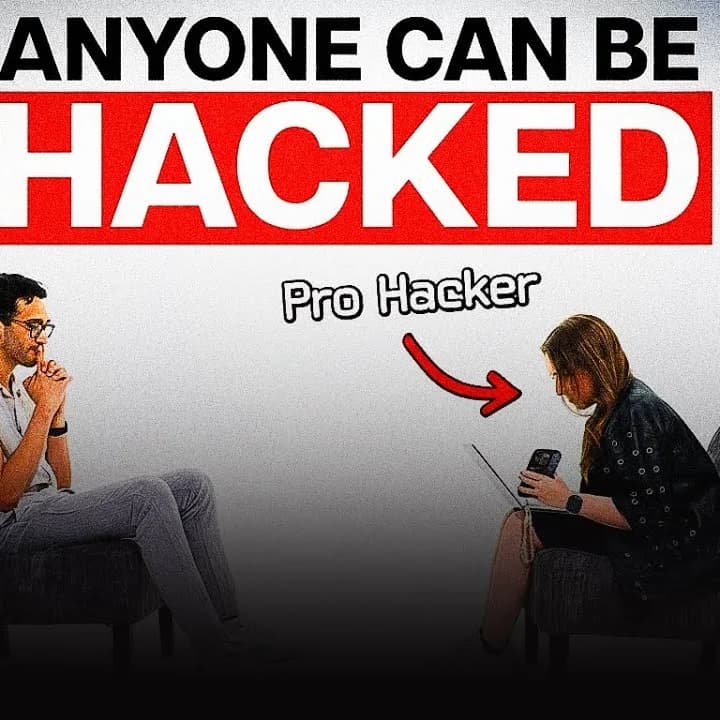
Your email, bank account, social media, and cloud storage are all protected by passwords. If a weak or reused password is compromised, hackers may gain access to multiple accounts.
Data breaches happen regularly, and while you can’t prevent a company from being hacked, you can prevent one leaked password from putting your entire digital life at risk.
💡 Tip: Never use the same password for multiple accounts.
How Hackers Get Your Password
Phishing Scams
Hackers often send fake emails or messages pretending to be your bank, a social media platform, or another trusted company. Their goal is to trick you into entering your login details on a fake website.
Always verify suspicious messages by visiting the official website directly instead of clicking links.
Data Breaches
When websites are hacked, stolen usernames and passwords are often shared online. If you reuse passwords, attackers can try those same credentials on your email, banking, or social media accounts.
You can check whether your email has been exposed using Have I Been Pwned, a free breach-checking tool.
Use a Password Manager
Remembering a different password for every account is almost impossible.
A password manager solves this by securely storing your passwords and generating strong, unique ones whenever you create a new account. You only need to remember one master password.
Some popular options include:
- Bitwarden
- NordPass
- KeePass
- Keeper
- 1Password
If you’re looking for a free and reliable option, Bitwarden is an excellent place to start.
What Makes a Strong Password?
A strong password should be:
- At least 12 characters long
- Unique for every account
- A mix of letters, numbers, and symbols
Avoid predictable passwords like:
- Password123
- 123456
- Your birthday
- Your name
Better yet, let your password manager generate secure passwords for you.
Enable Two-Factor Authentication (2FA)
Even a strong password can be stolen. That’s why you should enable Two-Factor Authentication (2FA) on important accounts.
With 2FA, you’ll need your password and a second verification code before you can log in. This extra layer of security makes it much harder for attackers to access your accounts.
Start with your:
- Banking apps
- Social media accounts
Six Simple Steps to Stay Safe Online
- Use a trusted password manager.
- Create a unique password for every account.
- Turn on two-factor authentication.
- Update important passwords every 6–12 months.
- Watch out for phishing emails and fake websites.
- Regularly check if your email appears in a data breach.
🔒 Remember: Good cybersecurity isn’t about doing everything perfectly—it’s about building smart habits that protect your digital life.
Final Thoughts
Online security isn’t about being perfect—it’s about building better habits.
Simple actions like using a password manager, creating unique passwords, enabling two-factor authentication, and staying alert to phishing attempts can dramatically reduce your risk of becoming a victim of cybercrime.
The best time to improve your online security is before your accounts are compromised. Taking a few minutes today can save you countless hours of stress and recovery later.
Your digital identity is valuable. Protect it accordingly.